

 Course objectives
 Target audience
 Prerequisites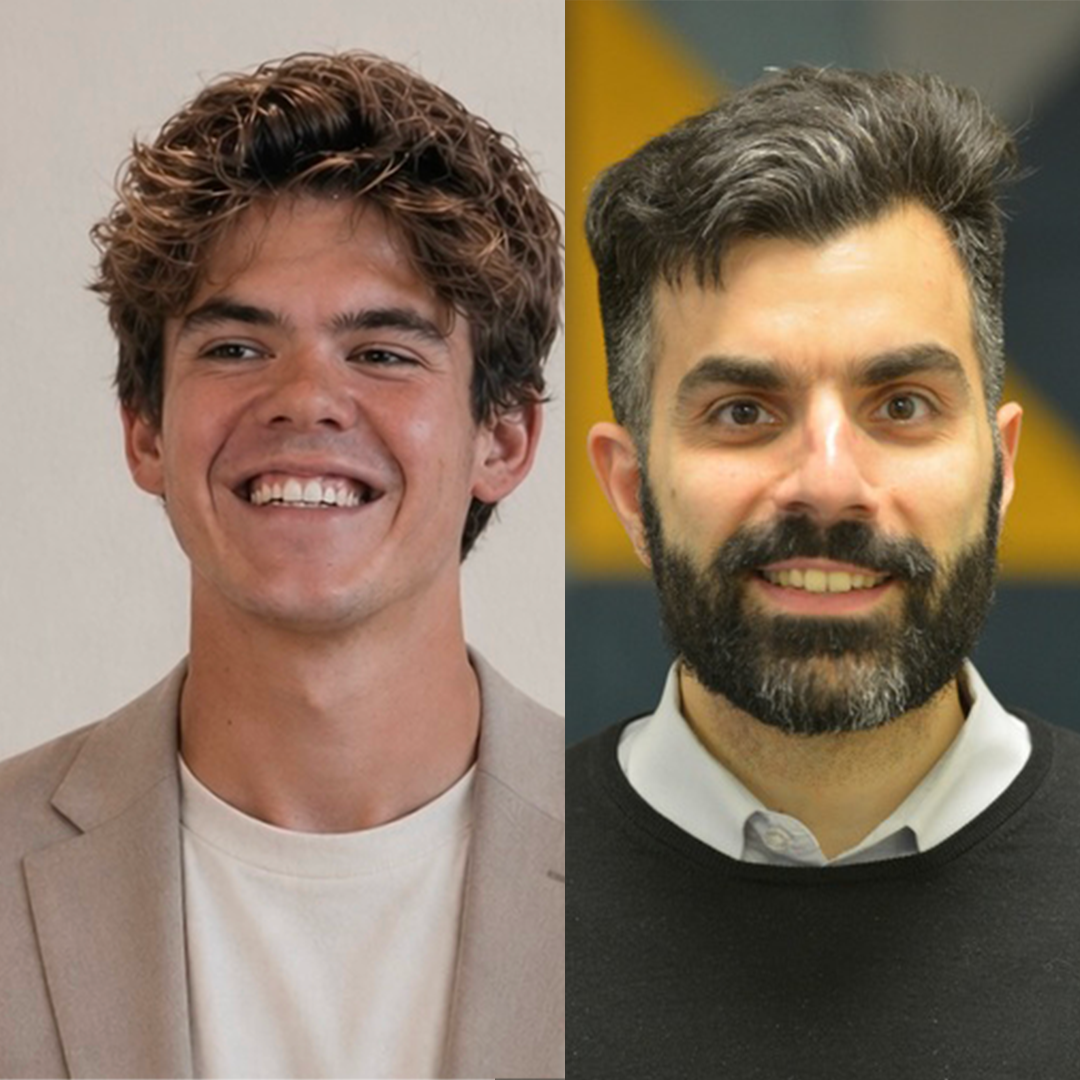
About the instructors: Rogier Muller & Vasilis Tsolis
Rogier Muller is CTO of BlueMonks Group, an Amsterdam-based fintech compliance company, and co-founder of several companies. He`s a lifelong coder who moved early into AI-assisted software development. Today, he is the only person in the world to combine official ambassador roles across the three leading agentic engineering platforms: Cursor, Claude Code, and Codex. Rogier has hosted numerous events worldwide and works closely with engineering teams, founders, and AI tooling companies on the practical adoption of agentic software development. His specific expertise is using agentic engineering in highly regulated environments, including but not limited to fintech, financial services, KYC/CDD, AML, GDPR, AFM-supervised contexts, auditability, data isolation, and compliance-heavy software delivery.
Vasilis Tsolis is a pioneer in document intelligence and agentic coding helping teams to change how they work across industries. He is an official Ambassador for Cursor, OpenAI Codex and n8n. He is the partner of Cognitiv+, an AI consultancy and software factory that helps organisations practically implement and adopt AI with enterprise confidence. He has co-founded several companies and trains development teams across the US and EU on AI-assisted coding, with a consistent focus on integrating it into real workflows without losing control of the codebase. Background: engineering and law, twenty years across AI, construction, energy, and tech. Vasilis has worked with JPMorgan, Intel, PwC, and others along the way.



